

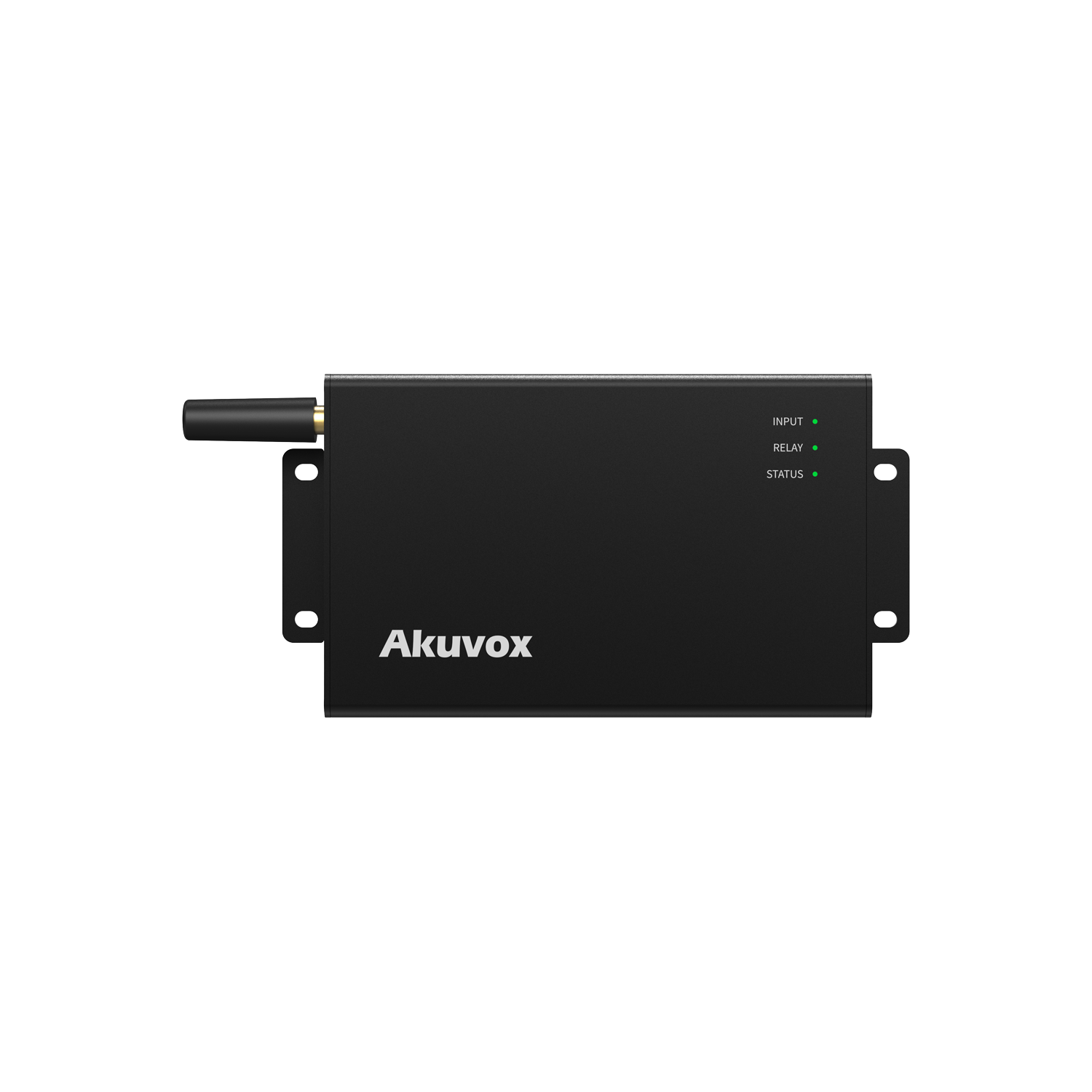
Akuvox WR01 web relay
The Akuvox WR01 is a network-controlled edge relay controller. It lets you switch connected equipment from a web browser, through a built-in web server and an open HTTP API, either on its own or as part of a larger automation network. Wired Ethernet with updatable firmware is how Akuvox describes its operation at the edge.
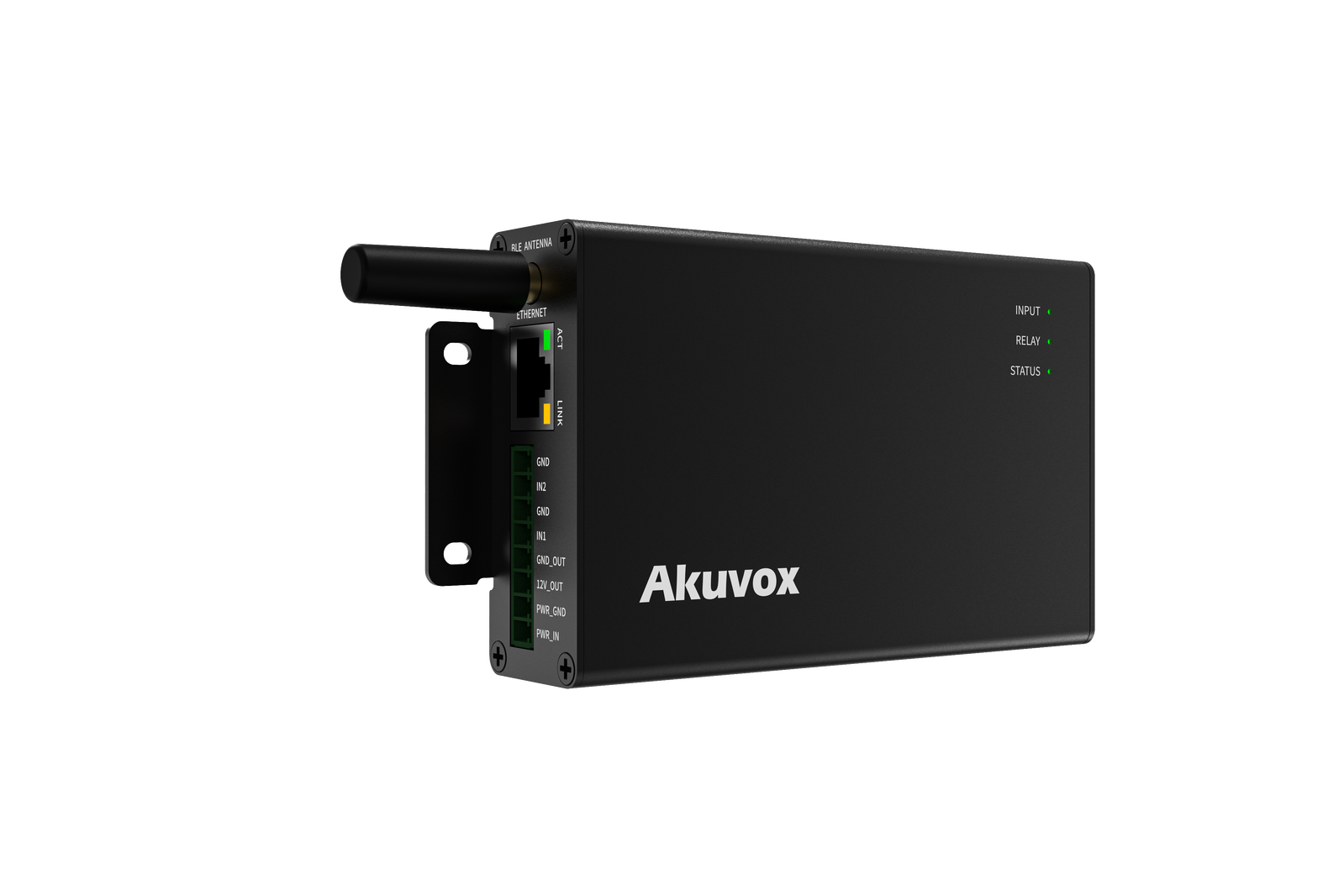
In one unit it combines a wide-voltage input (12–24 V DC/AC) with 802.3af PoE, so data and power can share one cable. A 12 V / 0.5 A DC output can power one external device, such as a lock or sensor. Control is by HTTP API and BLE proximity. It stores up to 20,000 users and 100,000 access logs locally, so it can be managed from a standard browser with no extra client software.
Wide voltage and PoE
The WR01 takes 12–24 V DC/AC and 802.3af PoE in one housing. Akuvox states that this removes a separate power run and suits different electrical supplies.
Direct 12 V output
A built-in 12 V / 0.5 A DC output powers one connected device, such as a lock or sensor, without a second power supply.
Web, API and BLE control
Access methods on the WR01 are HTTP API and BLE. Access schedules and door access logs are supported. The datasheet also lists a web management portal, configuration backup and restore, firmware upgrade, system logs, auto-provisioning, Akuvox cloud management, and Akuvox SDMC and ACMS Pro.
Local storage
Capacity is 20,000 users and 100,000 access logs, held on the device for retrieval through the browser.
Specifications
| Body material | 6063 aluminium alloy |
|---|---|
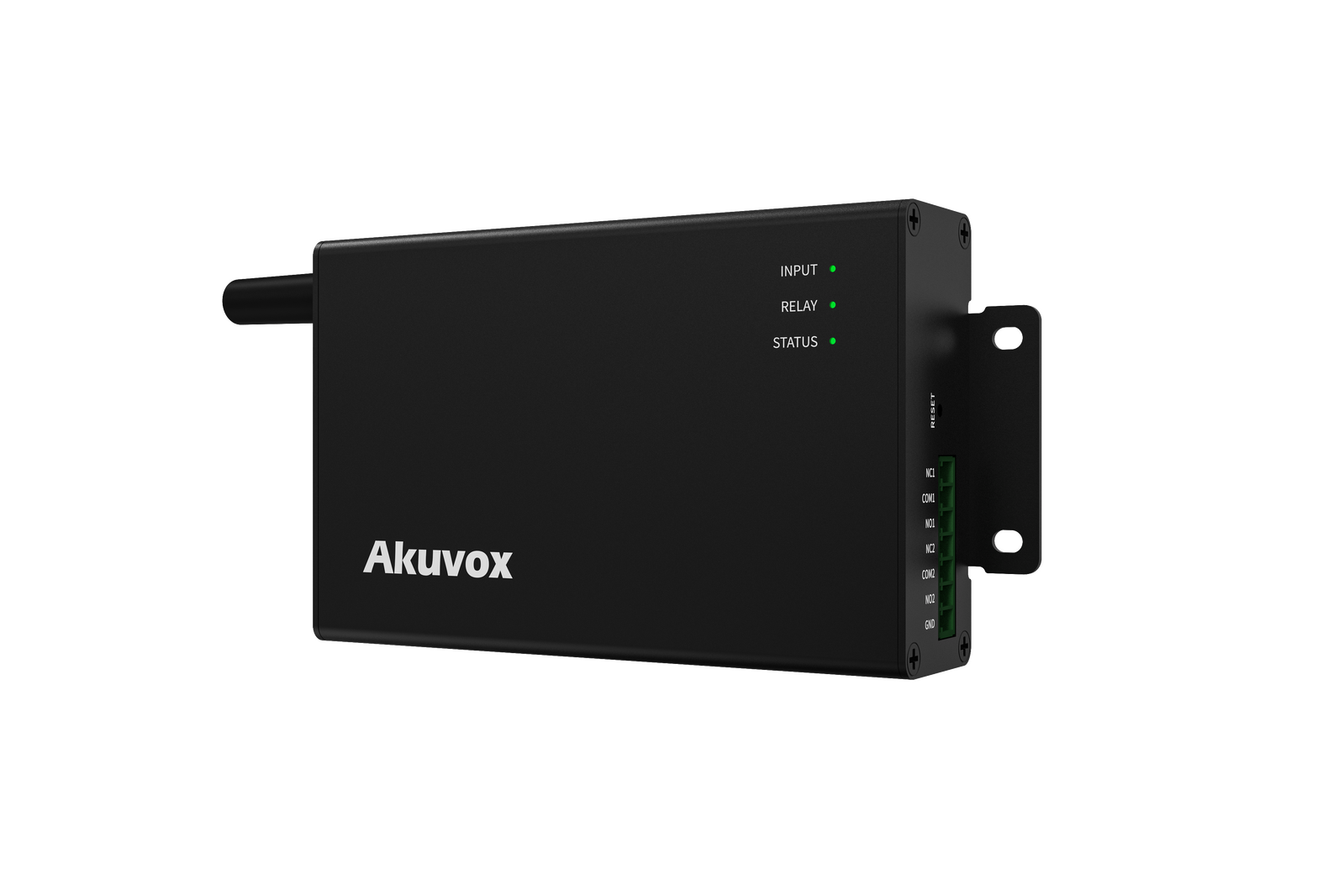
| Relays | 2 |
| Inputs | 2 |
| Status indicators | 3 |
| Reset | 1 |
| Bluetooth | BLE, Bluetooth 5.0 |
| Ethernet | 1 × RJ45, 10/100 Mbps adaptive |
| PoE | 802.3af Power-over-Ethernet |
| Power in | 12 VDC/1 A, 24 VDC/500 mA, 12 VAC/1 A or 24 VAC/500 mA. Also AC/DC 12–24 V and PoE. Quick guide suggests PoE or a 12 VDC 1 A / 24 VDC 0.5 A adapter. |
| Power out | 1 output, maximum 12 VDC / 0.5 A |
| Installation | Wall-mounted or DIN rail |
| Working humidity | 10–90% |
| Working temperature | −20°C to +55°C |
| Storage temperature | −30°C to +70°C |
| Users | 20,000 |
| Access log | 100,000 |
| Protocols | IPv4, HTTP, HTTPS, FTP, DNS, NTP, TCP, UDP, ICMP, DHCP, ARP |
| Model | WR01 |
|---|---|
| Dimensions (H × W × D) | 154.45 × 71 × 26.9 mm |
| LTE | Not fitted. LTE, the SIM card slot and the LTE signal indicators are WR01-L only. |
| Access methods | HTTP API / BLE |
| Access schedule | Supported |
| Door access logs | Supported |
Specifications are taken from the Akuvox WR01 datasheet (© 2026) and the WR01 series quick guide.
What's in the box
- 1 × main unit (WR01 or WR01-L, depending on the model ordered)
- 4 × plastic wall anchors
- 4 × ST3×20 crosshead screws
- 1 × DIN rail mounting clip
- 2 × M3×4 crosshead screws
- 2 × pin terminal blocks
Not included: Cat Ethernet cable, crosshead screwdriver, electric drill.
Box contents are from the Akuvox WR01 series quick guide, which covers both WR01 and WR01-L.
Install tips
- Power the unit from PoE, or from a 12 VDC 1 A / 24 VDC 0.5 A adapter, as suggested in the quick guide.
- Wall mounting: place the unit, mark the holes, drill with a 5 mm bit, insert the four plastic wall anchors, and fix with the four ST3×20 screws.
- DIN rail: fit the clip to the back with the two M3×4 screws. Do not overtighten. Hook the top of the clip on the rail and push the bottom until it snaps.
- Keep the unit off direct sun, away from heaters, and out of hot, humid or strong magnetic surroundings. Indoors, the quick guide asks for at least 2 metres from a light and at least 3 metres from a window or door.
- After wiring, log in to the web interface on the default static IP 192.168.1.100 to confirm the network.
The 4G antenna and SIM card slot are on the WR01-L only. They are not part of this WR01.
FAQ
How is the WR01 powered?
802.3af PoE, or AC/DC 12–24 V. The quick guide suggests PoE or a 12 VDC 1 A / 24 VDC 0.5 A adapter.
Does this model have LTE?
No. LTE, the SIM slot, the 4G antenna and caller-ID activation are on the WR01-L only.
What is the default IP?
The quick guide gives the default static IP as 192.168.1.100.
How does it mount?
Wall-mounted with the supplied anchors and ST3×20 screws, or on DIN rail with the supplied clip.
(WR01)
| SKU | WR01 |
| Brand | Akuvox |
Be The First To Review This Product!
Help other LTS Security Australia users shop smarter by writing reviews for products you have purchased.
More From This Category
Akuvox E12S IP Video Door Phone Kit with Two C313W
SKU: E12S-KIT-122-W
Akuvox ACR-CRP12 Long-Range UHF Vehicle Access Car
SKU: ACR-CRP12
Akuvox Desk Stand for C317A / C317S 10" Indoor Mon
SKU: C317-Desk